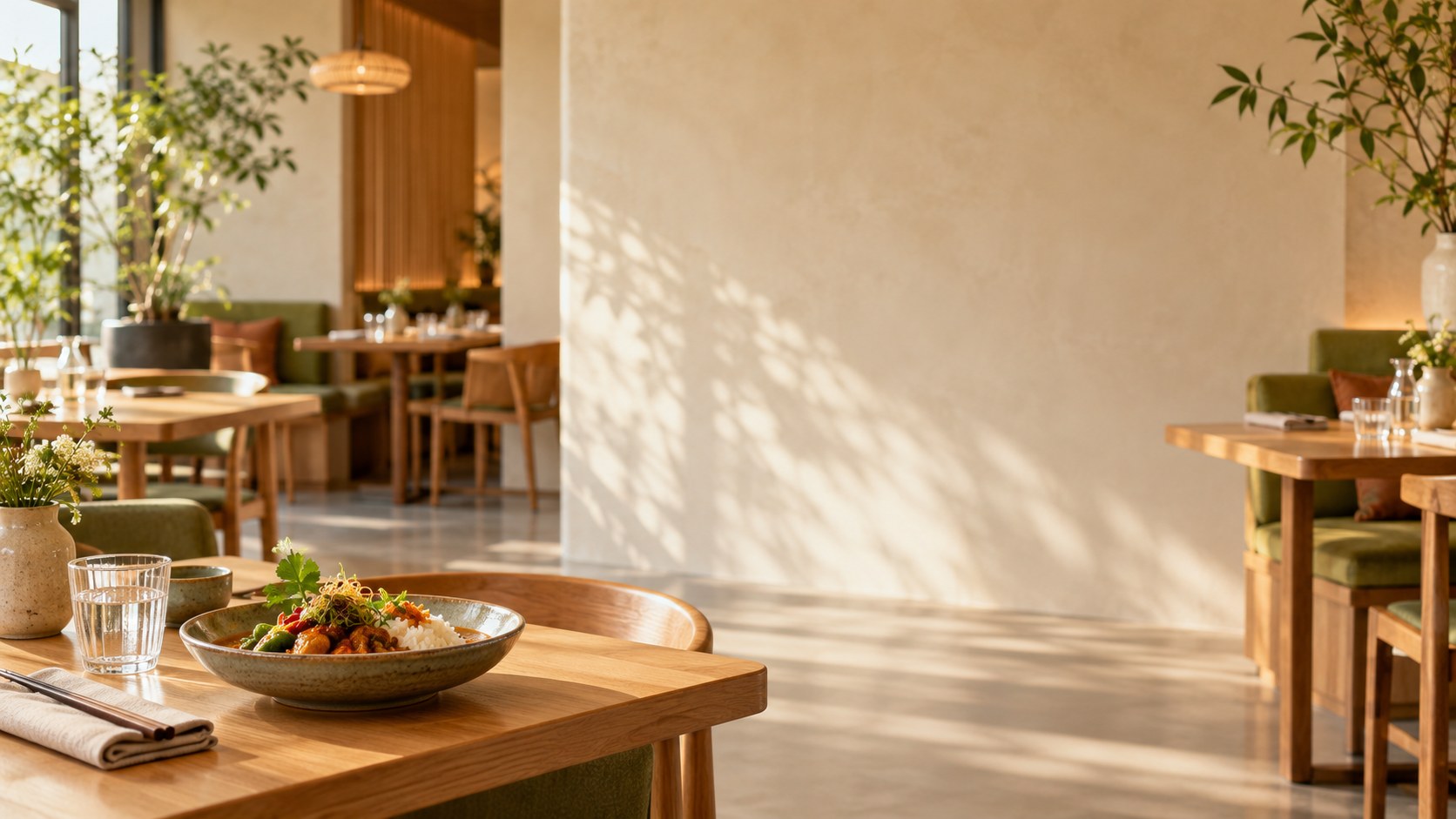
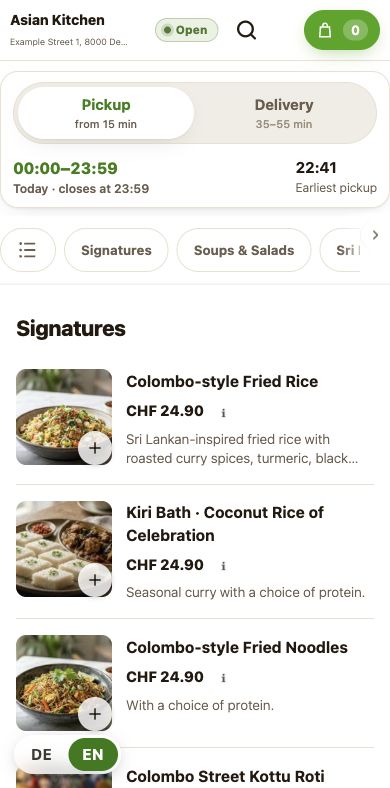
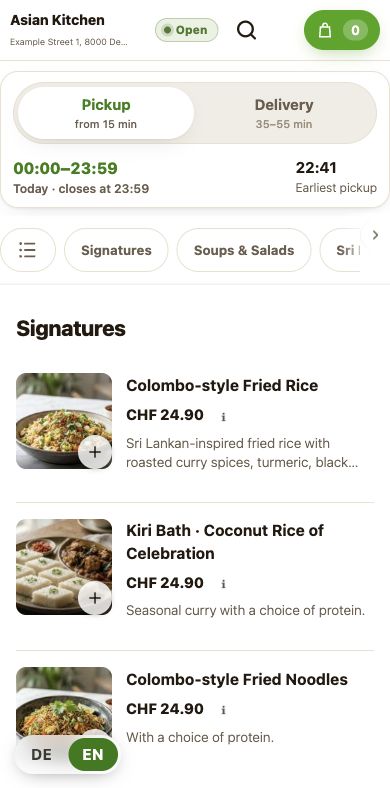
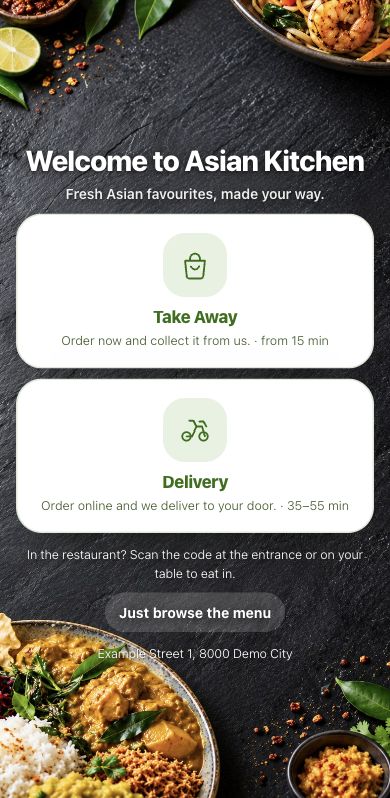
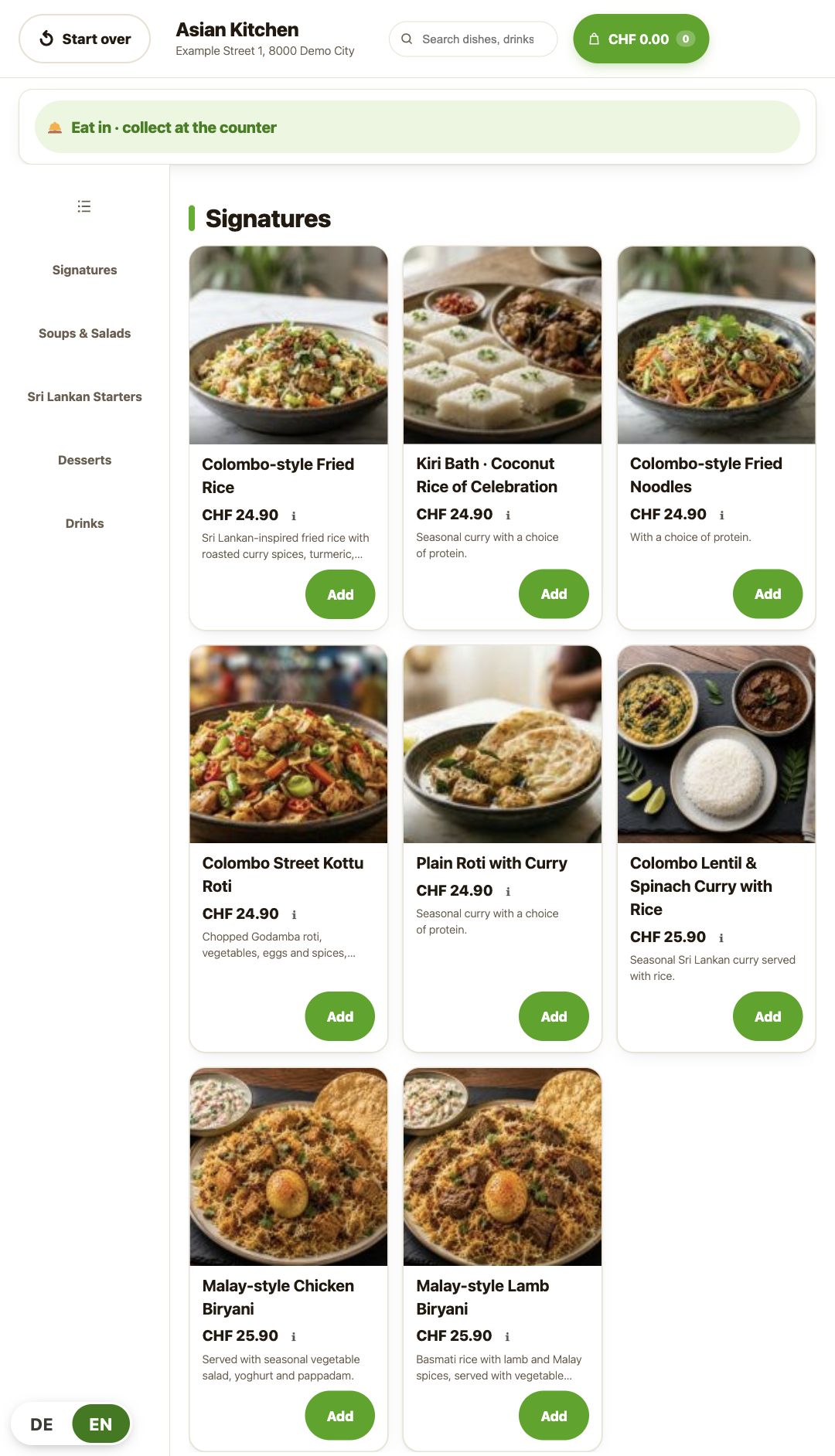
Your menu. Your brand.
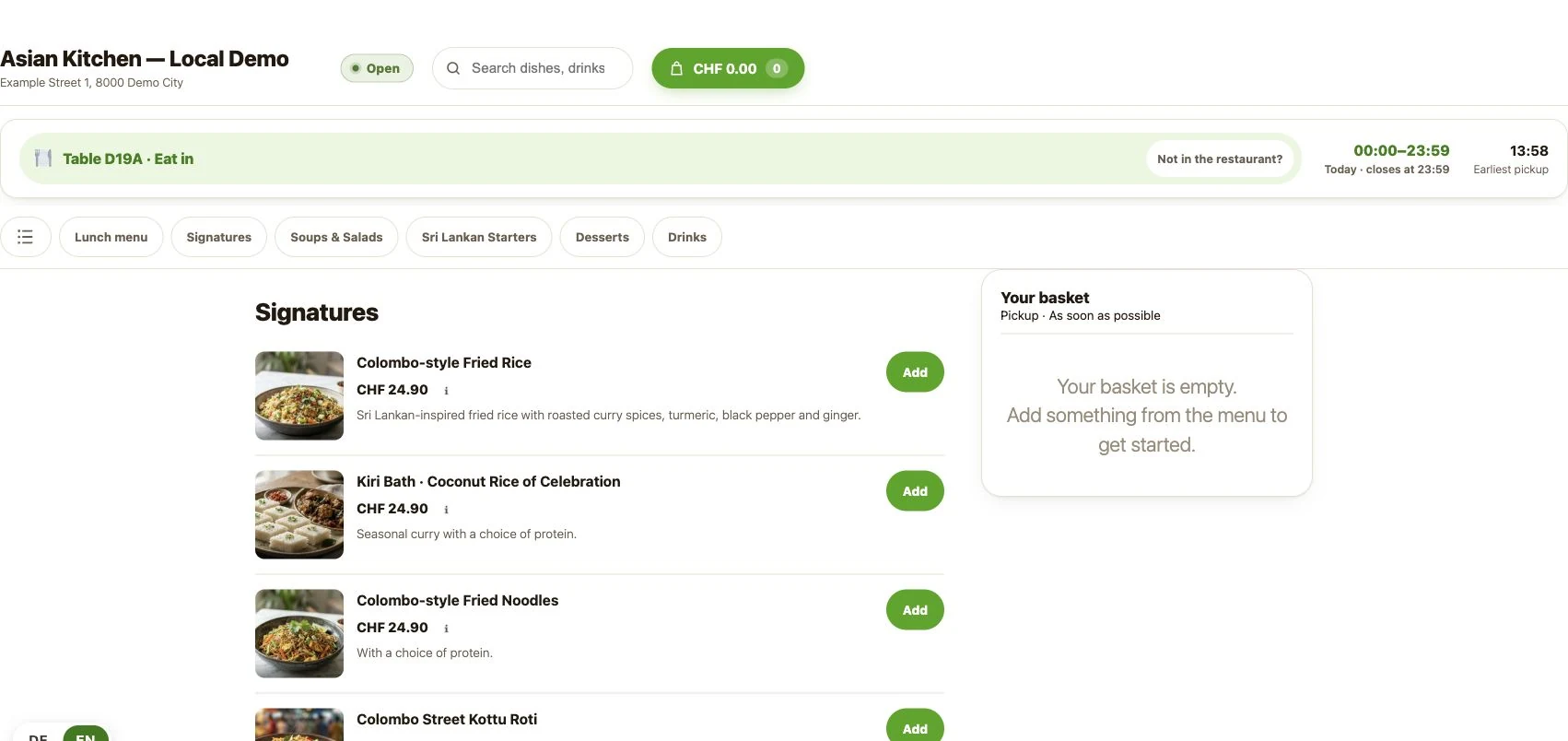
Present your dishes and choices on your own ordering page.
BoPOS
Online ordering, kiosk, kitchen, POS and delivery working together. Explore actual product views from order to handover.
Payment processing, setup, software, hardware and agreed services are separate costs.
Why BoPOS
Present your dishes and choices on your own ordering page.
Kitchen, pickup and delivery work from the order’s details.
Software, payment processing, hardware and agreed services are separate costs.
Agree the ordering channels, devices and support in your quote.
Direct orders can avoid percentage marketplace charges. Connected workflows can reduce re-entering orders and chasing updates. Whether total costs fall depends on order volume, current fees, setup, devices and ongoing service. We can compare these items with you.
Use compatible iPads, Android tablets or kiosk PCs, including suitable devices you already own. The operating screens need no separate BoPOS app. Website, printer and terminal setup are agreed for your installation.
wallee integration and a choice of compatible online payment providers. We confirm the available payment methods and terminals for your setup.
Two perspectives. One restaurant.
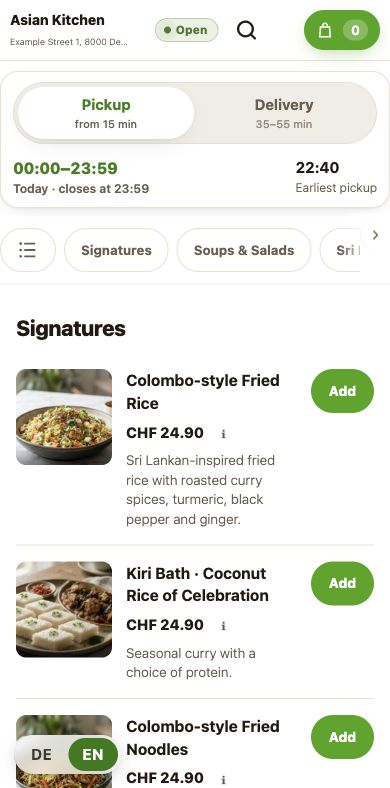
From your menu to a recorded pickup example.
Recorded menu example
A clear order. A clear next step.
Read transcriptFrom the offer to the handover.
Read transcriptFocus on a task
Keep kitchen and guest in step
Read transcriptKeep delivery details together
Read transcriptHear back after service
Read transcriptSelf-service, in portrait too
Read transcriptThe menu where guests are
Read transcriptFind the right table
Read transcriptSeparate items before settlement
Read transcriptPlan where and when you serve
Read transcriptOrdering beer: age confirmation
Read transcriptDelivery: ID check reminder
Read transcriptMake it your own
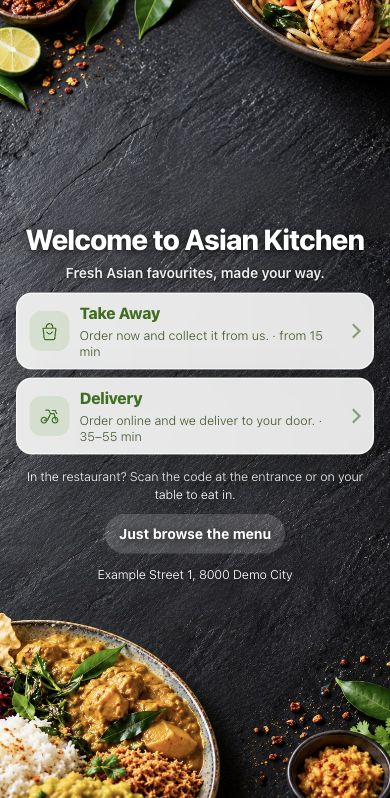
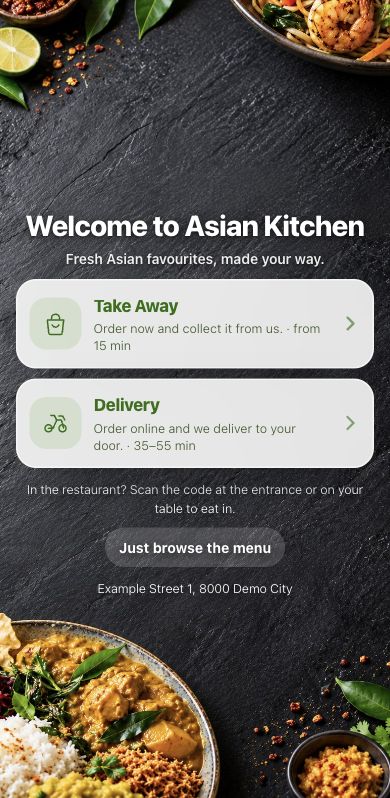
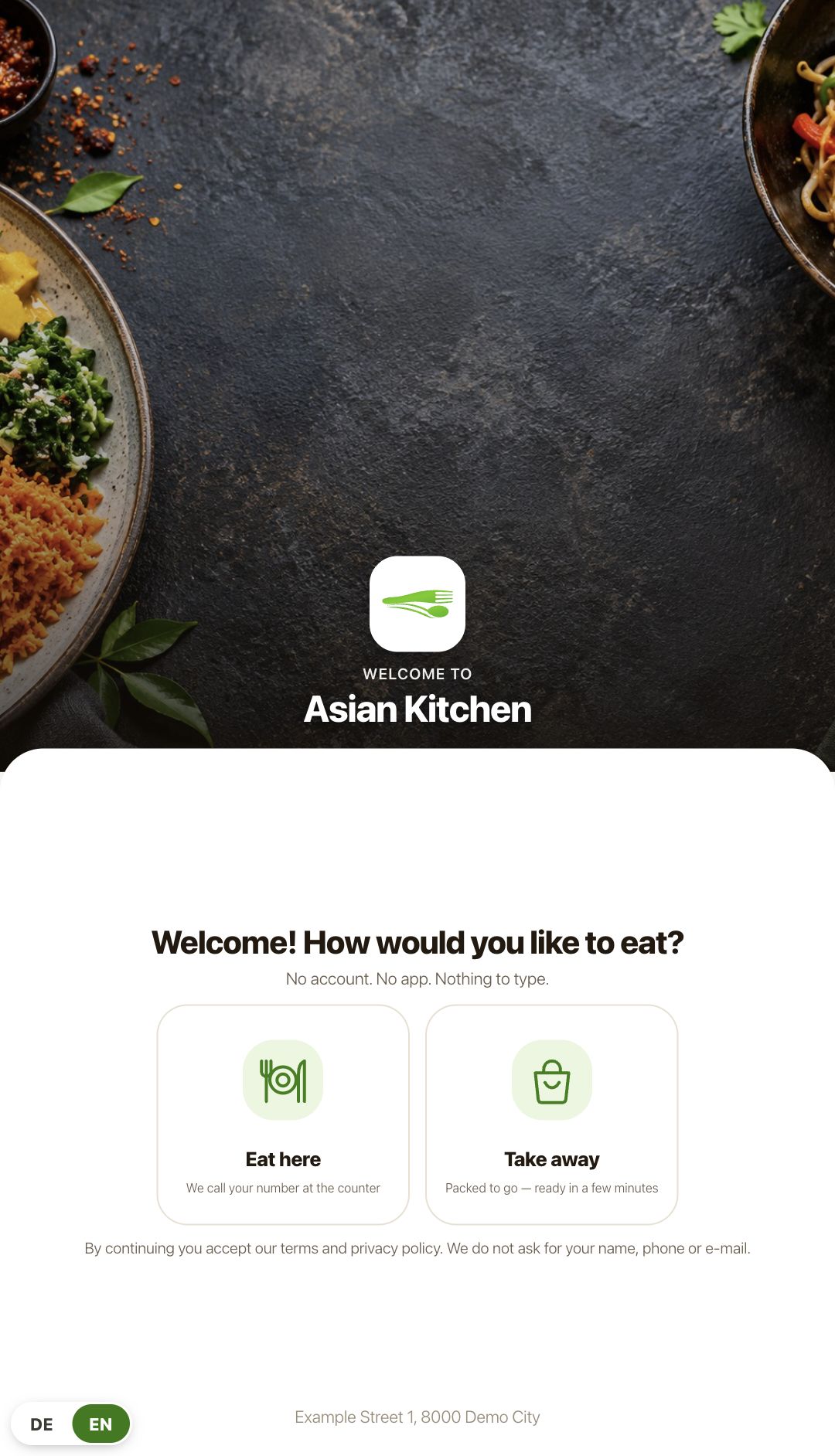
Three mobile menus, three welcome choices, portrait kiosk and table ordering. Compare examples without leaving your place.
Explore three welcome choices, three mobile menus, kiosk and table ordering. Then follow recorded examples for guests and the team.
Compare Classic, Corner Plus and Tap cards at phone width.
Three ways to welcome guests before the shared ordering flow.
Portrait and landscape kiosk screens, plus the table-linked menu.
View landscape kioskShow us your dishes and ordering channels. Discuss the fit for your restaurant in a guided demo.
Your quote sets out menu setup, devices, training and services.
Agree setup, launch timing and support for the chosen scope.
Let’s discuss your menu, ordering channels and team workflow. Your quote sets out setup, software, devices and agreed services.
Request a guided demo30% commission on recurring and one-time BoPOS software sales. Device sales are excluded.